Passkeys for WordPress Login: Can You Use Them Yet?
Passkeys replace your password with your phone or laptop. WordPress has no built-in support yet, so here is what your real options are, what setup looks like, and who should wait.
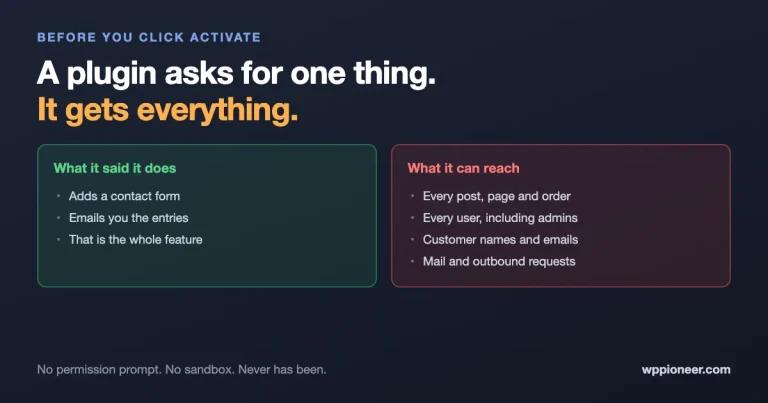
Installing a plugin is a bigger decision than it looks. An active plugin runs with the same access as WordPress itself, with no permission prompt and no sandbox. What that really means, why the number of plugins matters more than which ones, and five questions worth asking before you install anything.
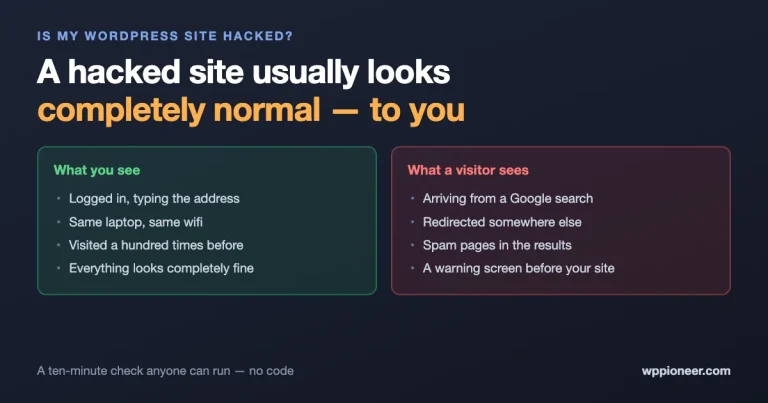
Attackers are actively exploiting WordPress sites that updated late. The plain-English signs that your site has been compromised, the checks anyone can run in ten minutes without touching code, what to do in the first hour, and the mistakes that make things worse.
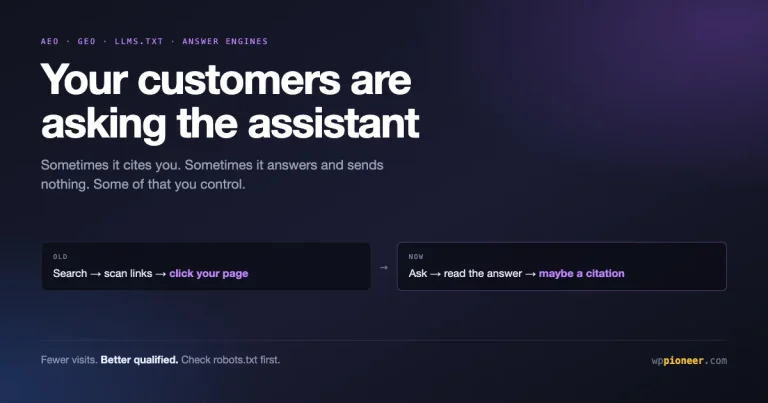
A growing share of people ask an assistant instead of searching and clicking. What is actually happening, which of your pages are exposed, the handful of changes worth making, and which advice is someone selling you something.
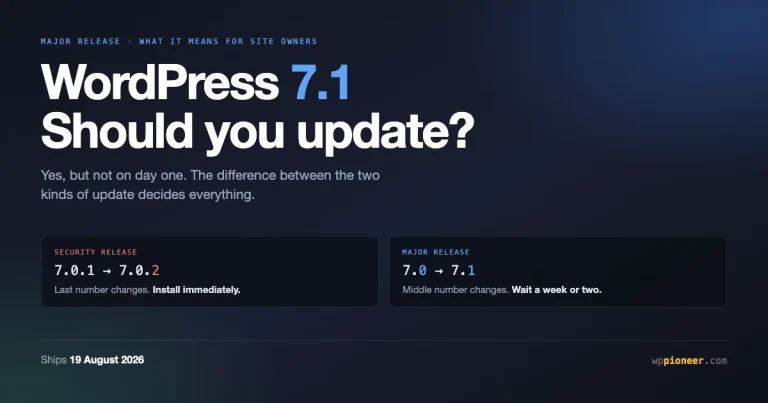
WordPress 7.1 ships on 19 August. What is actually in it for site owners, why a major release deserves a wait when a security release does not, and a thirty minute preparation routine that prevents most update problems.
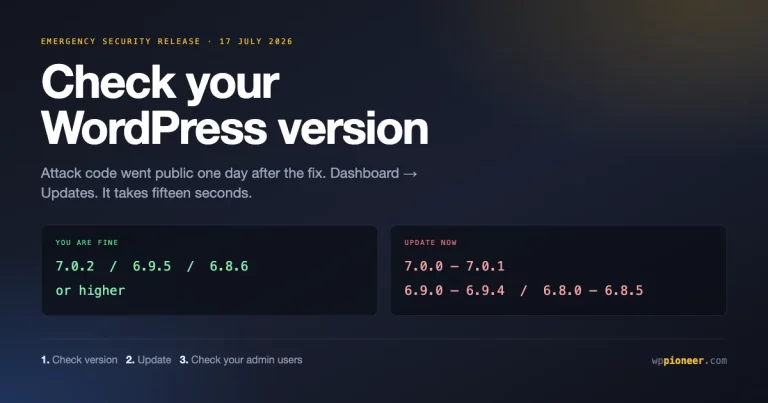
WordPress shipped an emergency security release and attack code went public a day later. How to check your version, update in two minutes, and tell whether anything happened before you got there. No command line needed.
The WordPress block editor looks unfamiliar for five minutes, then becomes a pleasant, no-code way to create content. A complete beginner's guide: what blocks are, how to add and arrange them, the blocks you will use most, and how to publish.
The padlock in the browser affects trust, security, and SEO - and getting it on your WordPress site is usually free and just a few clicks. A no-jargon beginner's guide to SSL and HTTPS: what they are, why they matter, and how to set them up.
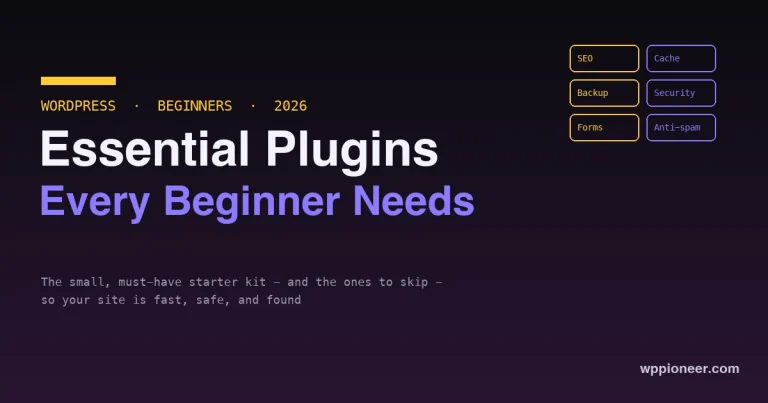
A good WordPress site runs on a small, deliberate set of plugins, not a big pile. The handful of plugin types every beginner genuinely needs - SEO, caching, backup, security, forms, anti-spam - the leaders in each, and what to skip.
Starting a WordPress blog is far simpler than it looks. A complete, no-code beginner's guide - from picking a topic to publishing your first post - covering hosting, WordPress install, themes, plugins, and the basics that matter, all in an afternoon.
Most of your visitors are on a phone, and Google ranks your site by its mobile version. A beginner-friendly, no-code guide to making your WordPress site work well on mobile - themes, text, tap targets, speed, layout, and forms.
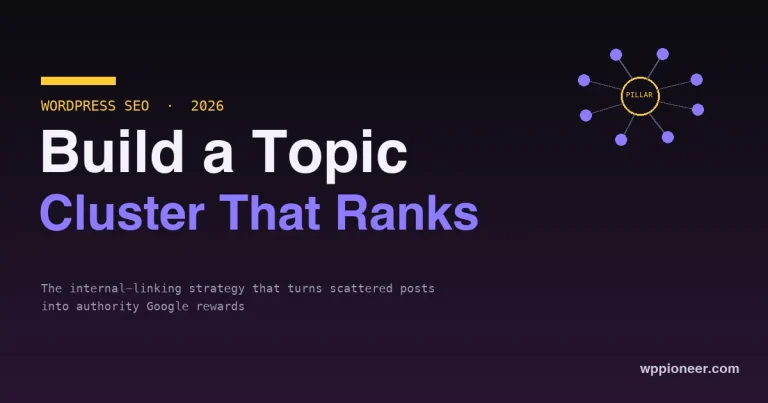
Writing more isolated blog posts keeps you invisible. Topic clusters - one pillar page, several deep cluster posts, all tied together with internal links - are the structure that signals authority to Google and lifts your whole site. How to build one on WordPress.
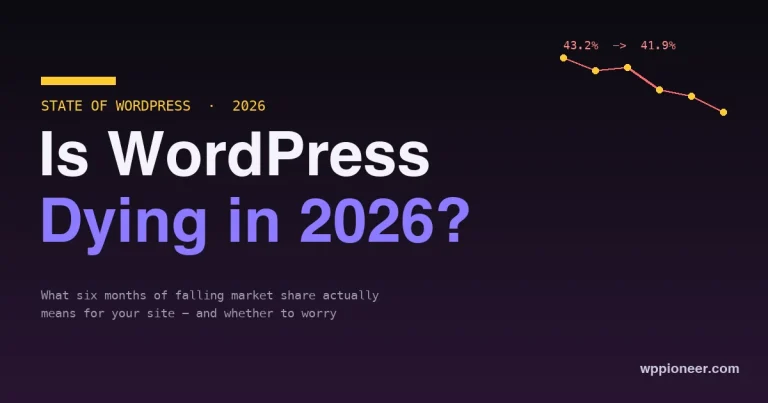
WordPress share has fallen for six straight months, from 43.2% to 41.9%. Is WordPress dying? A plain-English look at what the numbers really mean, why it is happening, and whether site owners should worry, switch, or just run their site better.
The best WordPress themes for small business in 2026, judged on what matters for a business site: trust, speed, conversion, and WooCommerce. Free and premium picks, plus a one-minute guide to choosing the right one.
The best WordPress blog themes in 2026, judged on what actually matters for reading: typography, speed, and a content-first layout. Free and premium picks, plus a one-minute guide to choosing the right one.